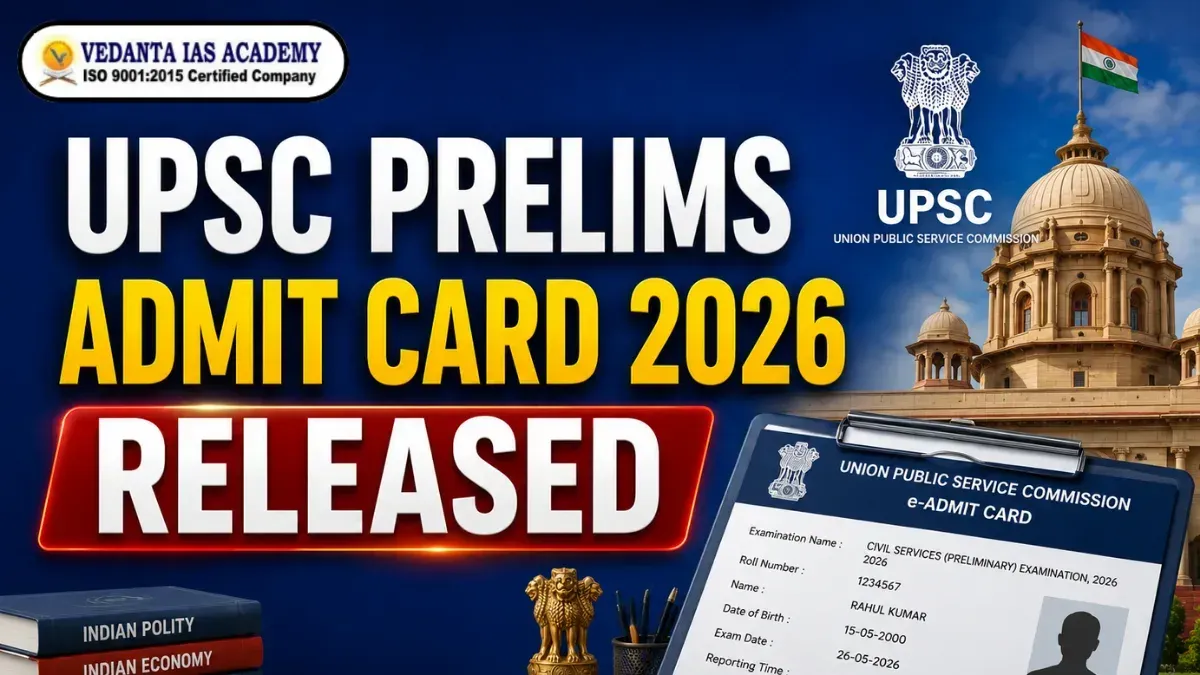
UPSC Prelims Admit Card 2026 Released: Download Now Step by Step

UPSC Prelims Admit Card 2026 Released: Download Now Step by Step
UPSC has released the Prelims 2026 admit card. If you applied for the Civil Services Preliminary Exam 2026, you need to download your UPSC Prelims Admit Card 2026 right now. Without the admit card, you can't enter the exam centre. So don't take this lightly. We'll tell you step by step how to download the UPSC Prelims Admit Card, what details are printed on it, which documents you need to carry, and what rules you must follow on exam day. Let's get into it.
How to Download UPSC Prelims Admit Card 2026 Step by Step
Downloading the UPSC Prelims Admit Card is not hard at all. Just follow these steps one by one.
Step 1: Open your phone or laptop and go to the official UPSC website - upsc.gov.in
Step 2: On the homepage, look for the "What's New" or "Active Examinations" section. You'll find the link for UPSC CSP 2026 Admit Card there.
Step 3: Click on that link.
Step 4: A form will open. Enter your Registration ID and Date of Birth carefully. Don't make any typing mistakes.
Step 5: Click the "Submit" button.
Step 6: Your UPSC Prelims Admit Card will appear on the screen.
Step 7: First check all the details — your name, photo, roll number. Make sure everything is correct.
Step 8: If everything looks fine, click "Download" and save the PDF. Then take a clear colour printout before exam day.
That's all. The whole thing takes about 5 minutes.
One thing to remember is that the website gets very slow near the last date because thousands of students download at the same time. So do it today, don't wait.
Details Mentioned on UPSC Prelims Admit Card 2026
When you download your UPSC Prelims 2026 Admit Card, you'll see many important details printed on it. Here's what's there:
- Your Full Name - exactly as you wrote in the form
- Roll Number - you'll need this on exam day
- Registration ID - the one you got when you applied
- Photograph and Signature - your scanned photo and sign
- Exam Date and Time - when your paper is scheduled
- Exam Centre Name and Address - where you need to go
- Paper Details - timings for GS Paper 1 and CSAT Paper 2
- Exam Rules - instructions you must follow
After downloading the admit card, verify the name, photograph and exam centre address. If anything appears to be amiss, contact UPSC immediately. Don't ignore any mistake.
Documents Required With UPSC Prelims Admit Card 2026
Just downloading the admit card is not enough. You also need to carry some documents to the exam centre. Here's the list:
- Printed UPSC Prelims Admit Card - it should be clear and easy to read
- Original Photo ID Proof - any one of these:
- Aadhaar Card
- Voter ID Card
- Passport
- PAN Card
- Driving Licence
- Two Passport Size Photos - same as the one you uploaded in the form
One thing is most important, photocopying will not do. The original ID is required. Also, the picture on your ID card and the picture on your admit card should be the same.
The invigilator will not allow you to enter if the photos are not matching. This is a rule for all to follow. No exceptions.
Important Instructions Mentioned on UPSC Prelims Hall Ticket 2026
Your UPSC Prelims Hall Ticket 2026 has some important rules printed on it. Read them at least once before exam day - and again on the morning of the exam.
Before You Reach the Exam Centre:
- Reach at least 30 minutes before the exam starts
- Entry is not allowed after the gate closes
- Keep your admit card and ID in your hand at the gate
Inside the Exam Hall:
- Mobile phones, smartwatches, Bluetooth devices - all are banned
- You can't carry any notes, books, or papers inside
- Talking to other students is not allowed
During the Exam:
- Use only a black ballpoint pen for the OMR sheet
- Don't make any extra marks or stray marks on the OMR
- Fill the bubbles carefully - UPSC Prelims has negative marking
After the Exam:
- Don't leave the hall early unless the invigilator allows
- Take your admit card back home - you'll need it for Mains and other rounds
All these rules are printed directly on the hall ticket. If you break any rule, your candidature can be cancelled.
UPSC Prelims 2026 Exam Schedule
UPSC Civil Services Preliminary Examination 2026 will be held on 24th May 2026 (Sunday) in two Sessions by the Union Public Service Commission. The exam is offline (OMR) of two papers – GS Paper I (Morning) and CSAT Paper II (Afternoon).
UPSC Prelims 2026 Exam Schedule |
|||
|---|---|---|---|
|
Paper |
Subject |
Timing |
Duration |
|
Paper 1 |
General studies (GS 1 ) |
9:00 AM - 11:00 AM |
2 Hours |
|
Paper 2 |
CSAT ( GS 2 ) |
2:30 PM - 4:30 PM |
2 Hours |
UPSC Prelims 2026 Exam Day Guidelines: Important Rules & Instructions for Candidates
The UPSC Prelims 2026 Exam Day Guidelines are extremely crucial for all candidates who are appearing for the UPSC Prelims Exam. You can use these guidelines to prevent stress, confusion and problems at the last minute exam day. The first thing ought to be for the candidates to arrive at the exam centre before the reporting time. It is a good idea to arrive at least 60 minutes early. May not be able to join late, so don't risk it.
Carry all required documents with you, including:
- Printed UPSC Prelims Admit Card 2026
- Valid Photo ID Proof
- Passport-size photographs (if required)
Restricted items must not be brought into the examination hall. Typically, mobile phones, smart watches, calculators, Bluetooth devices, notes, and electronic devices are not permitted. Choose simple and comfortable clothing for ease of security checks. Take note of instructions by the invigilator and adhere to all rules of the examination hall. If your exam centre is in a city other than where you are staying, make an extra trip to the exam centre 1 day prior to the exam. This little step will keep you from having delays and confusion.
Most of all, remain calm and confident! With proper preparation and planning, and by adhering to the instructions provided in the UPSC Prelims 2026 exam day, candidates can concentrate better while answering the questions.
FAQs on UPSC Prelims Admit Card 2026
Q1. Where can I download the UPSC Prelims Admit Card 2026?
Ans. Download it from the official UPSC website - upsc.gov.in. Click on the link of the Admit card for Civil Services Preliminary Exam 2026 under the "Active Examinations" section.
Q2. What do I need to download the admit card?
Ans. Just two things - your Registration ID and Date of Birth. Enter both and click submit.
Q3. What if there's a wrong detail on my admit card?
Ans. Contact UPSC right away. You can reach them through their helpline or email. Don't wait and don't ignore it.
Q4. Will a black-and-white printout work?
Ans. A colour printout is always better. Some centres don't accept black-and-white if the photo isn't clear. To be safe, take a colour print.
Q5. Can I show the admit card on my mobile screen?
Ans. No. Most exam centres ask for a physical printout. Your mobile screen won't work there. Always carry a printed copy.
Q6. What if I forget my admit card on exam day?
Ans. You won't get an entry. No excuse works there. The safest thing is to pack your admit card, ID, and photos in your bag the night before the exam.
Conclusion
The UPSC Prelims Admit Card 2026 is more than just a piece of paper; it's your ticket to the exam. Take it seriously. Visit the official website of UPSC on the UPSC.gov.in today, download the UPSC prelims admit card, check all the details and take a copy for future reference. Be sure to have your ID and pictures with you as well. If you know the steps, it's easy to download UPSC Prelims Admit Card 2026, as follows: Enter Your Registration ID and Date of Birth, Submit, Download and Print. That's it. You've come a long way to get here. Now go and do the best that you can. Wishing you all the best in UPSC Prelims 2026
0 Comments
No comments yet. Be the first to comment!
Reply to this Post
Newsletter
Letest Posts
UPSC Mains 2026 Exam Date Out | Complete Time Table & Paper Schedule
UPSC | 7 days ago
UPSC Mains 2026 Exam Date, Syllabus, Time Table, Schedule
UPSC | 24 days ago
UPSC Mains 2026 Application Form: How to Fill Online Step-by-Step Guide
UPSC | 1 months ago
UPSC Mains Syllabus 2026: All 9 Papers Explained with Free PDF Download
UPSC | 1 months ago
UPSC Prelims 2026 Result Out: 13,343 Candidates Qualify for UPSC Mains
UPSC | 1 months ago
S-400 Air Defence System Explained: Impact on India’s Strategic Sovereignty
UPSC Current Affairs | 2 months ago
UPSC Prelims 2026 Result Out Soon: Expected Date & PDF Download
UPSC Current Affairs | 1 months ago
Index Rebasement and Index of Industrial Production (IIP): Key Points , Impact and Way Forward
UPSC Current Affairs | 2 months ago
Delhi Hotel Fire: Governance Challenges, Infrastructure Deficits and the Way Forward
UPSC Current Affairs | 2 months ago
Overcrowding of Prisons and Undertrials in India: Analysis of Governance, Jurisprudence and Ethics
UPSC Current Affairs | 2 months ago
Illicit Liquor Tragedy and Regulatory Failure: A Deepening Public Health Crisis
UPSC Current Affairs | 2 months ago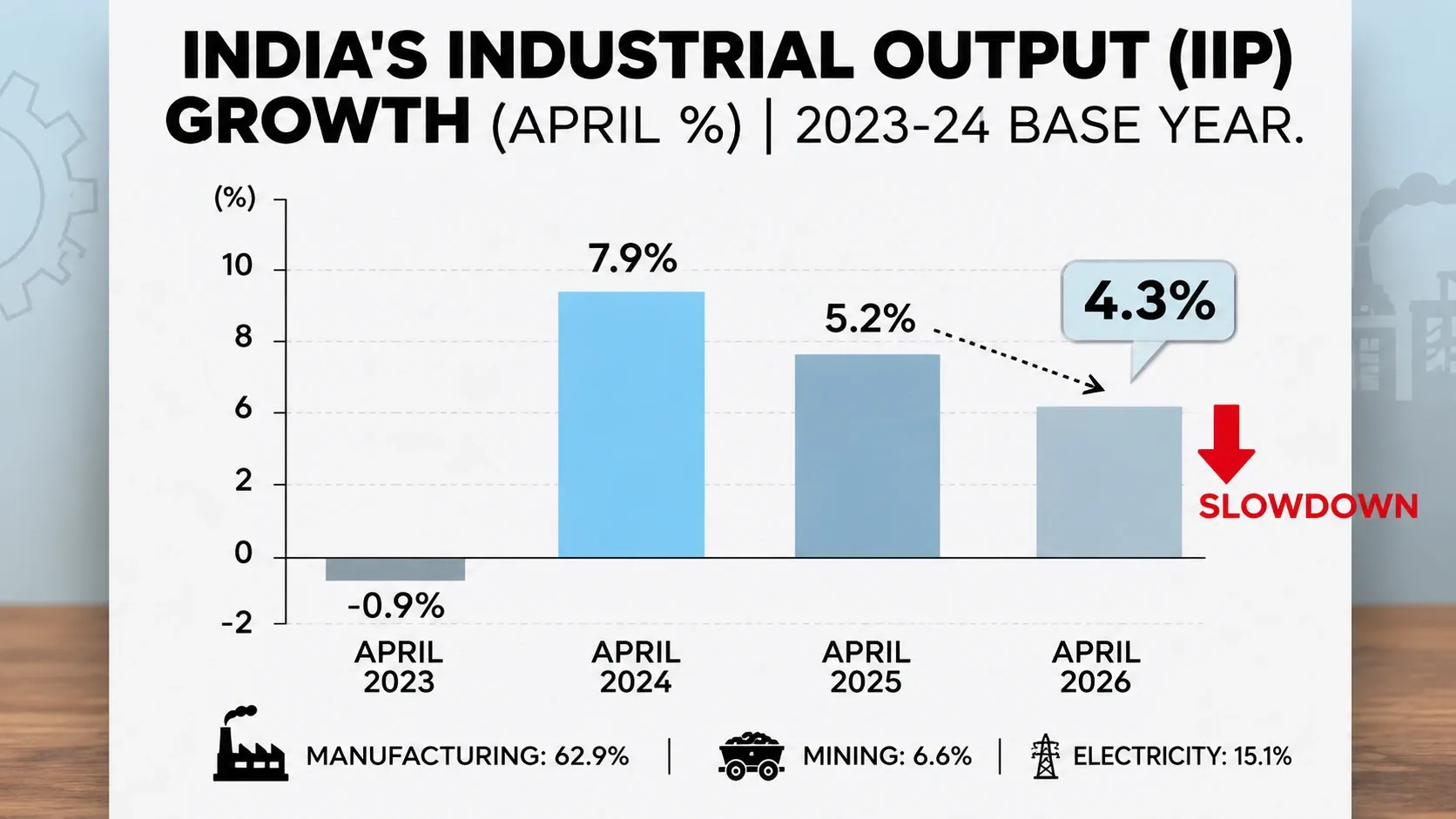
Slowdown in Index of Industrial Production (IIP): Technical Changes of New Series, Challenges and Way Forward
UPSC Current Affairs | 2 months ago
Adolescent Sexuality and Judicial Precedent
UPSC Current Affairs | 2 months ago
India-Canada Relations’ New Dawn: Strategic, Economic & Diaspora Partnership Resurgence
UPSC Current Affairs | 2 months ago